

Table of Contents
- Why Homeowners Switch from Eufy
- Best Home Security Cameras Without Subscription
- How to Secure Home Network for Your Smart Cameras
- Smart Home Ecosystem Compatibility and Integration
- Professional Monitoring vs. DIY Installation
- Privacy, Encryption, and Data Security Standards
- Long-Term Hardware Reliability and Support
- Comparison Table: Eufy Alternatives at a Glance
Last Updated: August 28, 2026
Why Homeowners Switch from Eufy
Eufy alternative for smart home security has become a pressing concern for homeowners frustrated by connectivity dropouts, inconsistent app performance, or concerns about data privacy and local storage limitations.
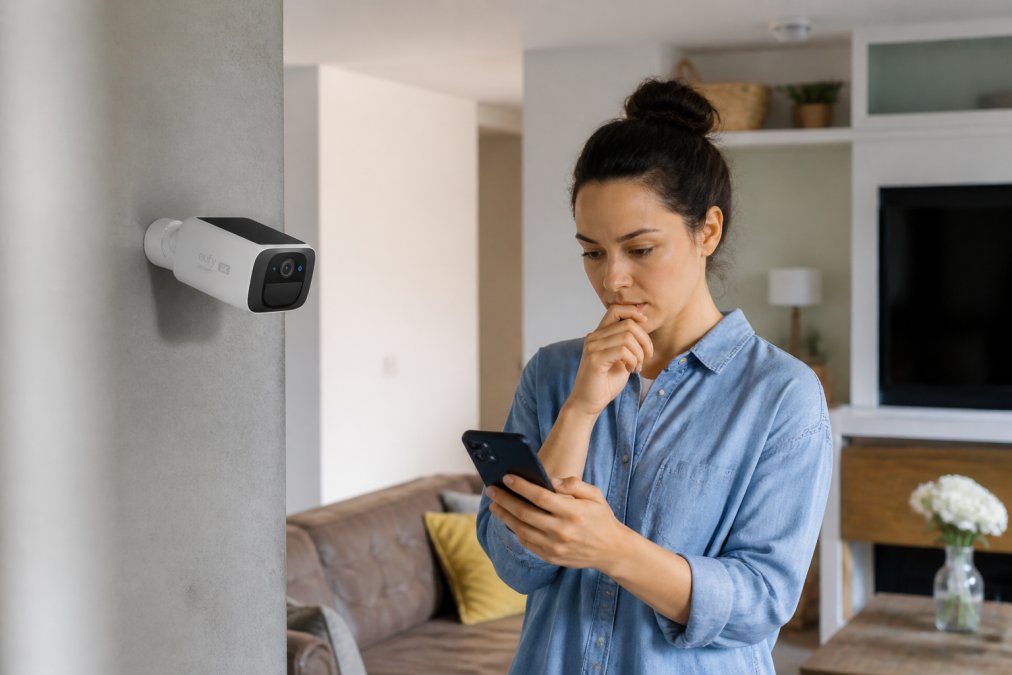
Many homeowners discover their existing system doesn't align with their smart home ecosystem. Some want HomeKit integration their current cameras don't support. Others prioritize local storage and end-to-end encryption but find their system pushes cloud subscriptions. A growing segment simply wants hardware that won't disconnect from their network or require constant troubleshooting.
The shift stems from three core frustrations: unreliable connectivity causing missed alerts, subscription models for basic recording, and limited interoperability with smart locks and sensors. When a security system fails to deliver peace of mind, homeowners look elsewhere.
At MyStuff, we've built smart home security solutions around what users actually need: reliable hardware, flexible storage options, and genuine integration with existing ecosystems. Our Wireless 2K Solar Security Camera ($96.49) delivers continuous recording without monthly fees, solar-powered reliability, and weatherproof performance.

Best Home Security Cameras Without Subscription
The best home security cameras without subscription eliminate recurring costs while maintaining professional-grade recording. These systems prioritize local storage, keeping footage on your property or a personal cloud service you control.
Local storage options fall into two categories: on-device storage using microSD cards or hard drives, and local network storage via NAS systems. On-device storage works best for single or dual-camera setups. A 256GB microSD card stores roughly 48 hours of 2K video before overwriting older footage (peer-reviewed research).
The advantage is straightforward: no recurring bills, no price increases, and no service cancellation threats. You own the footage immediately. Local storage also addresses privacy concerns since data never leaves your home network.
MyStuff's Wireless 2K Solar Security Camera exemplifies this approach. At $96.49, it captures 2K resolution footage continuously powered by solar charging, stores video locally, and requires zero monthly subscriptions. The weatherproof design performs reliably in rain, snow, and extreme temperatures.
Local Storage vs. Cloud Storage Comparison
Local storage keeps footage on physical devices within your home or on a dedicated network device. Cloud storage transmits footage to remote servers maintained by the manufacturer or a third-party service.
| Storage Type | Privacy | Cost | Accessibility | Reliability | Bandwidth Impact |
|---|---|---|---|---|---|
| Local (microSD/NAS) | Complete control | One-time hardware | Home network only | Depends on device | Minimal |
| Cloud Subscription | Provider-dependent | Monthly recurring | Anywhere, any device | Depends on internet | Moderate to high |
| Hybrid (Local + Cloud) | Balanced | Moderate | Both options | Best redundancy | Depends on setup |
Local storage excels when privacy and cost matter most. You're not dependent on a company's data centers or subject to their terms changing. Cloud storage offers convenience and automatic backup but introduces recurring costs and reliance on internet connectivity.
Hybrid approaches combine both: record locally for privacy and cost-efficiency, while syncing important clips to the cloud for redundancy. This strategy requires more technical setup but delivers the best of both worlds.
How to Secure Home Network for Your Smart Cameras
Network security determines whether your smart cameras remain private or become entry points for hackers. A compromised camera can expose your entire home network, including smart locks, thermostats, and personal devices.

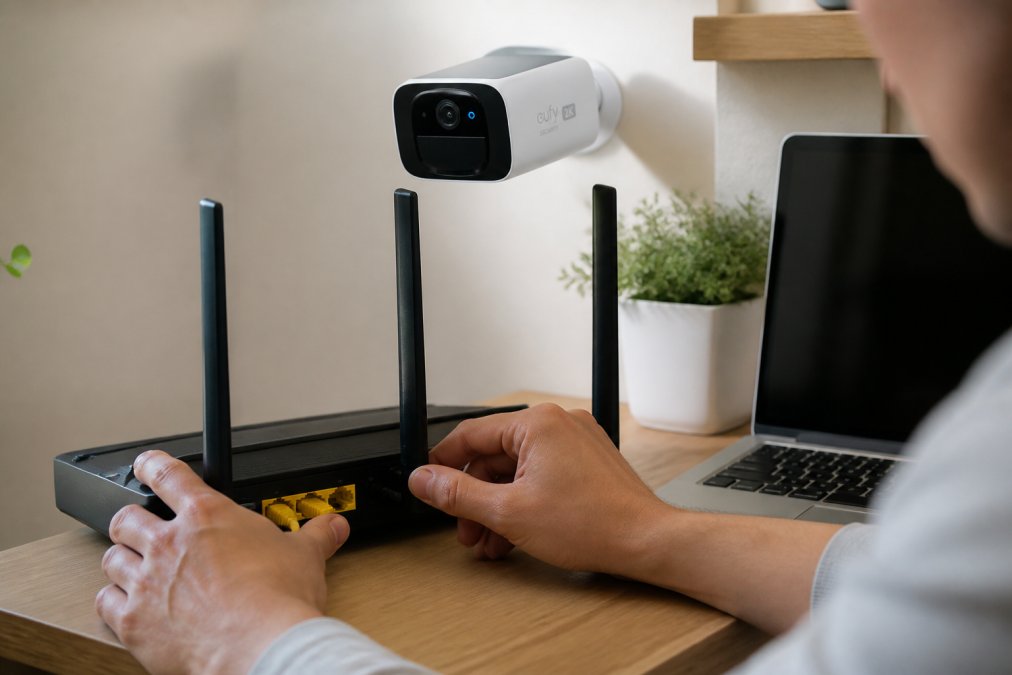
Start by changing your router's default admin password immediately, this is the most overlooked step. Use a strong password with at least 16 characters combining uppercase, lowercase, numbers, and symbols. Enable WPA3 encryption on your Wi-Fi network (nist.gov). If your router doesn't support WPA3, WPA2 is acceptable but less secure.
Create a separate network segment for smart home devices. Most modern routers support guest networks or VLAN functionality. Isolate your cameras, locks, and sensors on this dedicated network, separate from computers and phones containing sensitive information.
Disable UPnP (Universal Plug and Play) on your router unless absolutely necessary. It allows devices to automatically open firewall ports, creating security vulnerabilities. Smart cameras work fine without it.
Update firmware regularly. Manufacturers release security patches when vulnerabilities are discovered. Set cameras to auto-update if available, or manually check monthly. Use strong, unique passwords for every camera account and enable two-factor authentication when available.
Monitor network traffic to detect unusual activity. Most routers have built-in traffic monitoring tools. Look for devices consuming excessive bandwidth or connecting at odd hours.
Smart Home Ecosystem Compatibility and Integration
A Eufy alternative for smart home security only adds value if it integrates with devices you already own. Fragmented ecosystems force you to juggle multiple apps, defeating the purpose of home automation.
The three dominant ecosystems are Apple HomeKit, Amazon Alexa, and Google Home. Each has different security models and integration capabilities. HomeKit emphasizes end-to-end encryption and local processing. Alexa and Google Home prioritize voice control and third-party integrations.
Compatibility extends beyond cameras to smart locks, motion sensors, lights, and thermostats. A system that works with your existing ecosystem prevents vendor lock-in and reduces friction when adding new devices.
HomeKit, Alexa, and Google Home Support
Apple HomeKit requires cameras to support HomeKit Secure Video or HomeKit Accessory Protocol (HAP). HomeKit Secure Video provides intelligent video analysis detecting people, animals, and vehicles, while storing footage encrypted on your iCloud account (apple.com). This requires an iCloud+ subscription ($2.99/month minimum) but video analysis is included.
HomeKit cameras must support end-to-end encryption, meaning Apple cannot view your video stream. The tradeoff is that HomeKit integration is more restrictive and requires certified hardware.
Amazon Alexa cameras integrate through the Alexa app and work with Alexa Routines. You can create automations like "turn on lights when motion is detected." Alexa integrations are looser than HomeKit, meaning more devices qualify, but end-to-end encryption is optional.
Google Home integrates cameras through the Google Home app and Google Assistant. Similar to Alexa, you can create automations and voice commands.
For maximum flexibility, choose a system supporting multiple ecosystems. MyStuff's smart security products work across HomeKit, Alexa, and Google Home, giving you freedom to choose your preferred platform.
Professional Monitoring vs. DIY Installation
Professional monitoring means a third-party service watches your cameras 24/7 and dispatches emergency services if they detect a break-in. DIY installation means you install cameras yourself and monitor them through an app.
Professional monitoring costs between $20-$60 per month. The service verifies alarms before dispatching police, reducing false alarm fees. For high-value homes, professional monitoring justifies the cost.
DIY installation costs nothing beyond hardware. You control when and how you respond to alerts. The tradeoff is responsibility: if you miss an alert, there's no backup. DIY systems work best for homes where you're present most of the time.
Installation difficulty varies dramatically. Some cameras mount in minutes with adhesive strips. Others require drilling and network configuration. Professional installation services add $500-$2,000 to project costs.
MyStuff's Wireless 2K Solar Security Camera eliminates installation complexity. No wiring or power outlets needed. Most homeowners complete installation in under 30 minutes.
The hybrid approach works well: DIY cameras for basic monitoring, with professional monitoring for main entry points. This balances cost and peace of mind.
Privacy, Encryption, and Data Security Standards
Privacy concerns drive many homeowners away from mainstream security systems. Understanding encryption standards and data handling practices determines whether your footage remains truly private.
End-to-end encryption means footage is encrypted on the camera before leaving your home, and only you can decrypt it. The manufacturer and internet service provider cannot view the content. This is the highest privacy standard.
Transport encryption (TLS/SSL) protects footage while traveling over the internet but is decrypted on the manufacturer's servers. This is adequate for most users but less private than end-to-end encryption.
Local encryption stores footage encrypted on your microSD card or NAS device without transmitting it. This is the most private option but requires you to manage backups.
Data retention policies determine how long manufacturers keep your footage. Check the privacy policy before committing to a system. Reputable companies limit third-party access and don't sell data to advertisers without consent.
Look for systems that undergo third-party security audits and publish results. Transparency indicates confidence in security practices.
Long-Term Hardware Reliability and Support
A security system is only valuable if it functions reliably for years. Hardware failure, discontinued products, and abandoned support turn a good investment into e-waste.
Camera lifespan typically ranges from 3-7 years depending on environmental stress and manufacturing quality. Solar-powered cameras like MyStuff's Wireless 2K Solar Security Camera benefit from continuous power, reducing battery degradation that limits traditional wireless cameras to 2-3 years.
Manufacturer support matters. Does the company issue regular firmware updates? Do they maintain customer service? Companies that abandon products leave you without security patches, making systems vulnerable to exploits.
Check warranty terms. Most cameras come with 1-2 year warranties. MyStuff backs its products with hassle-free returns and full refunds.
Supply chain reliability affects long-term viability. Established brands with multiple product tiers are safer bets than niche manufacturers with single-product lines.
Consider the ecosystem's future. Is the manufacturer investing in new features? Do they participate in industry standards like Matter? Forward-thinking companies ensure your system remains relevant as technology evolves.
Comparison Table: Eufy Alternatives at a Glance
| System | Starting Price | Storage | Encryption | HomeKit | Alexa | Best For | |
|---|---|---|---|---|---|---|---|
| MyStuff Wireless 2K Solar | $96.49 | Local microSD | End-to-end optional | Yes | Yes | Yes | Budget-conscious, subscription-free |
| Local NAS-based | $300-800 | Network storage | Full control | Yes | Limited | Limited | Privacy-first, larger installations |
| Wired professional | $1,500+ | Cloud + local | Provider-dependent | Varies | Varies | Varies | High-value homes, 24/7 monitoring |
| Wireless battery | $150-400 | Cloud subscription | Provider-dependent | Most | Most | Most | Renters, temporary setups |
The comparison reveals a clear pattern: subscription-free systems cost less upfront but require more technical setup. Professional systems cost more but handle monitoring and support. MyStuff's approach bridges this gap: affordable hardware with flexible storage and broad ecosystem support. Shop Smart Essentials today and experience the difference reliable, privacy-focused security makes.
Frequently Asked Questions
What is the best Eufy alternative for smart home security without a subscription?
The Wireless 2K Solar Security Camera from MyStuff ($96.49) offers continuous recording with no monthly fees, solar-powered operation, and 2K resolution. It provides local storage options and works independently without cloud subscriptions, making it ideal for homeowners prioritizing privacy and cost savings. The weatherproof design ensures durability for outdoor surveillance year-round.
How do I secure my home network for smart security cameras?
Change your router's default password immediately, enable WPA3 encryption (or WPA2 if WPA3 isn't available), disable WPS, and keep firmware updated. Create a separate network for smart home devices if your router supports it. Use strong, unique passwords for all camera accounts, enable two-factor authentication where available, and disable remote access unless absolutely necessary. Regularly review connected devices and revoke access for unused applications.
Do I need professional monitoring for a Eufy alternative system?
No. Many Eufy alternatives, including MyStuff's Wireless 2K Solar Security Camera, function as standalone systems with mobile app monitoring. You receive push notifications and can view footage remotely without professional monitoring services. However, professional monitoring adds a layer of security by alerting authorities if motion is detected while you're unavailable. Choose DIY if you prefer cost savings; choose professional monitoring if you want emergency response capabilities.
What privacy protections should I look for in a Eufy alternative?
Prioritize end-to-end encryption, local storage options, and transparent privacy policies. Verify the company doesn't sell footage data to third parties. Check if the system supports offline operation and whether video is processed on-device rather than sent to cloud servers. The Waterproof Smart Lock ($197.33) and Wireless 2K Solar Camera both emphasize data privacy with app-based control and local recording capabilities, reducing exposure of your footage to external servers.
This article was written using GrandRanker