

Table of Contents
- Smart Security for Privacy-Conscious Homeowners
- Feature Comparison: Privacy-First Security Systems
- Home Security Cameras with Local Storage
- How to Secure Home Network for Smart Devices
- Smart Home Privacy Best Practices
- DIY Installation vs Professional Monitoring
- Recommended Privacy-First Security Solutions
- Frequently Asked Questions
Last Updated: August 31, 2026
Smart Security for Privacy-Conscious Homeowners
Privacy breaches in smart home devices are a legitimate concern. When you connect cameras, locks, and sensors to your network, you create entry points that bad actors actively target. The best smart security balances convenience with control: systems that store footage locally, encrypt data end-to-end, and don't require constant cloud uploads.
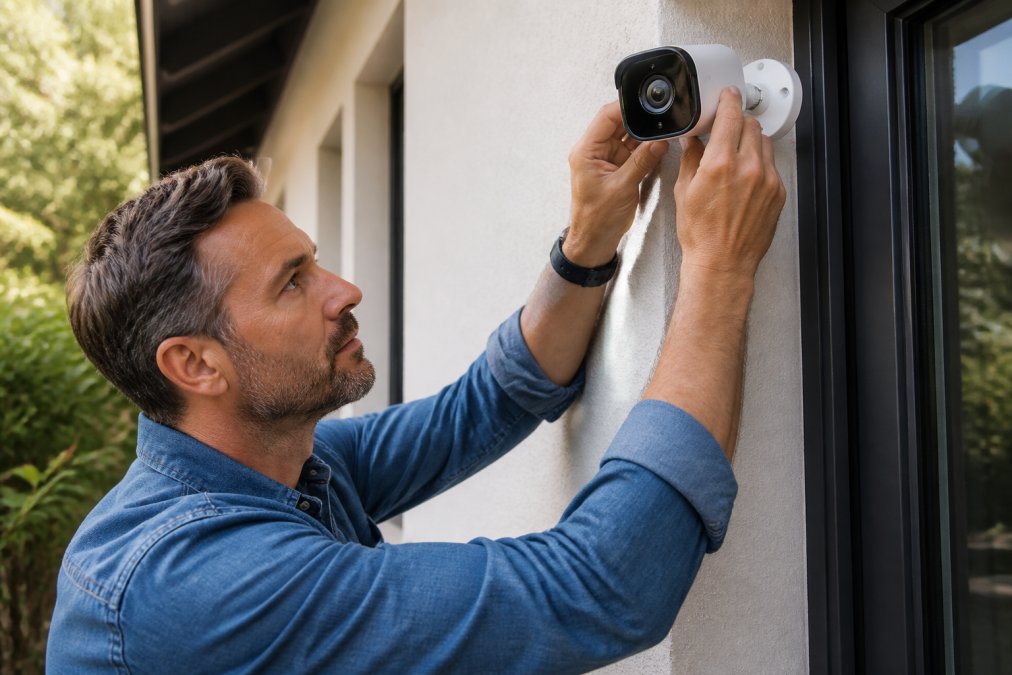
Today, you can get professional-grade security with local storage, two-factor authentication, and transparent data policies without breaking the bank. The systems covered here prioritize your control over convenience, which is exactly what privacy-conscious homeowners need.
Feature Comparison: Privacy-First Security Systems
| Feature | Local Storage | End-to-End Encryption | Two-Factor Auth | No Monthly Fees | Cloud Backup Option | Open-Source Compatible |
|---|---|---|---|---|---|---|
| MOMAX PinGuard | No | Yes | Yes | Yes | Optional | Limited |
| Wireless 2K Solar Camera | Yes | Yes | Yes | Yes | Optional | Limited |
| Waterproof Smart Lock | Yes | Yes | Yes | Yes | No | Yes |
What separates privacy-first systems from standard options is transparency about data flow. Most mainstream cameras assume cloud storage as default; privacy-conscious systems flip this: local storage is baseline, cloud backup is optional.

End-to-end encryption means the company storing your data cannot see it. Two-factor authentication prevents access even if someone steals your password. Motion detection with activity zones reduces false alerts by recording only genuine movement in defined areas.
The trade-off is flexibility. Privacy-first systems often have fewer integrations with mainstream smart home platforms. This is intentional, more integrations mean more third-party access points.
Home Security Cameras with Local Storage
Local storage keeps footage on your property, not on someone else's servers. You control who sees it and when it gets deleted. No subscription service, no cloud fees, no surprise data breaches affecting your recordings.
The Wireless 2K Solar Security Camera stores footage locally while maintaining 24/7 recording through solar power. This removes two vulnerabilities: battery dependency and cloud reliance. The 2K resolution captures enough detail for facial recognition and license plate reading. The weatherproof design survives outdoor conditions without degradation.

Setup requires a local storage device, either a dedicated NVR or a standard computer with adequate hard drive space. This demands you understand your own infrastructure, but for privacy-conscious homeowners, this is a feature. You're not dependent on a company's infrastructure decisions.
Motion detection with activity zones prevents recording every moment. Define the areas you care about, your driveway, front porch, entry points, and the camera ignores motion outside those zones. Night vision captures clear footage in darkness. Remote access through a mobile app lets you check live feeds from anywhere, and two-way audio lets you speak through the camera to visitors or deter intruders.
At $96.49 with no recurring charges, this system is cost-effective over time compared to $30 cameras with $10 monthly fees.
How to Secure Home Network for Smart Devices
Your smart security system is only as secure as the network it runs on. Network-level security requires understanding what traffic flows where and blocking unauthorized access.
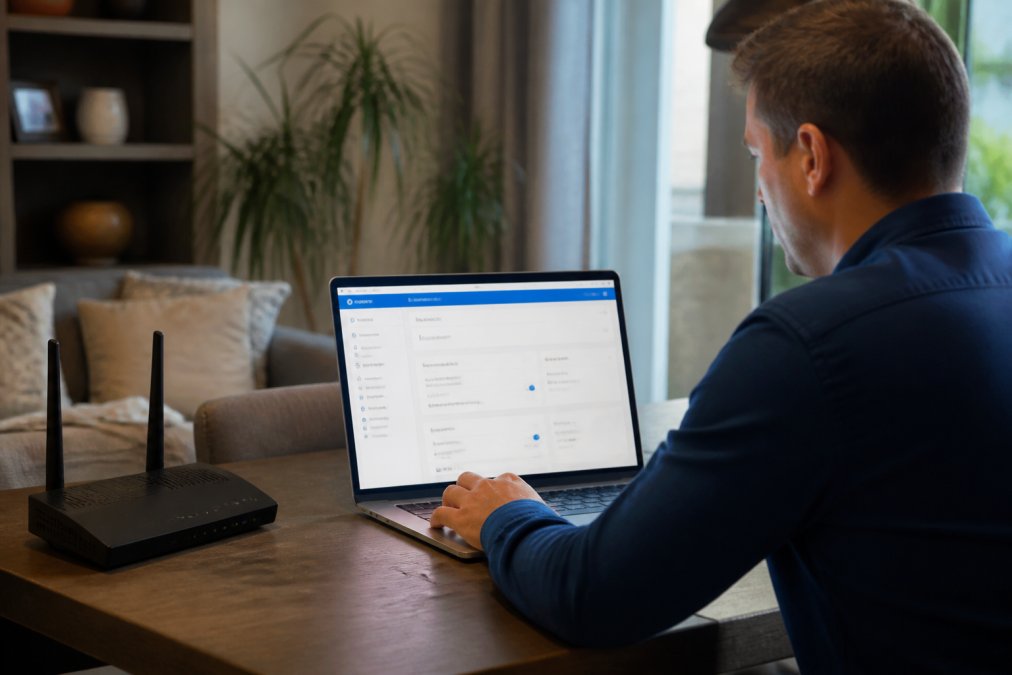
Start with your router. Change the default admin password immediately, most routers ship with factory credentials that are publicly known. Use a strong, unique password of at least 16 characters mixing letters, numbers, and symbols.
Enable WPA3 encryption if your router supports it. WPA3 is the current standard for Wi-Fi security; WPA2 is acceptable but aging. Encryption scrambles data transmitted over Wi-Fi, making it unreadable to eavesdroppers.
Create a separate network for smart devices. Put your computers and phones on the primary network and cameras, locks, and sensors on a secondary network with restricted access. This network isolation prevents a compromised camera from accessing your computer files.
Disable UPnP (Universal Plug and Play) on your router. UPnP automatically opens ports, which creates security holes. Manual port forwarding is more work but far more secure.
Update firmware regularly. Router manufacturers release security patches when vulnerabilities are discovered; enable auto-update if available. Smart cameras and locks also receive firmware updates, check for these monthly.
Monitor your network for unknown devices by reviewing your router's admin panel monthly. Unknown devices indicate either unauthorized connections or compromised devices.
Smart Home Privacy Best Practices
Privacy policies are written to be legally defensible, not easy to understand. Reading the actual policy reveals what you're actually agreeing to regarding data collection, retention, and third-party sharing.
Check what data the system collects beyond video. Does the camera track when you're home based on motion patterns? Does the lock log every access attempt? Some companies use this data for analytics or sell it to third parties. Privacy-conscious systems minimize data collection and keep what they collect on your device.
Understand the difference between local storage and cloud backup. A system with local storage might still upload metadata (timestamps, motion events, access logs) to the cloud. True privacy means both video and metadata stay local unless you explicitly choose cloud backup.
Two-factor authentication protects your account even if your password leaks. Enable it on every account that offers it. Change default passwords on every device, attackers actively scan networks for devices using factory credentials.
Disable features you don't use. If you don't need cloud backup, disable it entirely. Every feature is a potential attack surface.
Review app permissions on your phone. The security camera app might request access to your location, contacts, or camera. Grant only what the app genuinely needs to function.
DIY Installation vs Professional Monitoring
DIY installation means you physically install equipment and manage the system yourself. Professional monitoring means a security company installs equipment, monitors alerts, and contacts emergency services if triggered. These aren't mutually exclusive.
DIY installation saves money upfront and gives you complete control over configuration. The trade-off is responsibility, if something breaks, you troubleshoot it.
Professional monitoring adds cost but removes responsibility. A monitoring center watches your system 24/7 and dispatches police if needed. This response time matters during actual emergencies.
The best approach for privacy-conscious homeowners is DIY installation with optional professional monitoring. Install equipment yourself to control configuration and data flow, then choose whether to subscribe to professional monitoring based on your risk tolerance and budget.
Recommended Privacy-First Security Solutions
MOMAX PinGuard: Hidden Camera Detection and Item Tracking
The MOMAX PinGuard solves two distinct privacy problems: finding your belongings and detecting hidden cameras. Apple Find My integration lets you locate the tracker using the Find My app across your home and beyond.
The hidden camera detector uses red light technology to identify infrared LEDs in spy cameras. This is particularly useful when traveling, hotel rooms, Airbnbs, and rental properties can contain hidden cameras. The detector finds them before you become a privacy victim.
At $93.99, this is a one-time purchase with no monthly fees. Battery life lasts several days between charges.
Wireless 2K Solar Security Camera: No Monthly Fees
This camera represents the privacy-first approach to outdoor security. Solar power means the system never loses power due to dead batteries or outages. The 2K resolution captures fine details, facial features, license plates, and clothing descriptions. Weatherproof design handles rain, snow, and temperature extremes.
The critical feature is no monthly fees. Most security cameras require cloud storage subscriptions. This camera stores footage locally on a compatible NVR or DVR. You own the footage; the company doesn't have access to your recordings.
Setup involves connecting the camera to Wi-Fi and configuring motion detection zones. The mobile app provides live viewing and alert notifications. Two-way audio lets you communicate through the camera. Night vision captures clear footage in complete darkness.
At $96.49, this camera is affordable for the feature set. Add a local storage device (typically $300-800 for a quality NVR), and your total investment is reasonable compared to monthly cloud subscriptions over several years.
Waterproof Smart Lock: Multi-Factor Access Control
The Waterproof Smart Lock provides multiple authentication methods: fingerprint, password, access card, and mobile app. This multi-factor approach means someone needs more than just your password to enter. The TTLock app gives you real-time control over who can unlock the door and when.
The waterproof design handles outdoor conditions on sliding doors, patios, and external entry points. Fingerprint recognition is faster than passwords and more secure than traditional keys. Real-time access logs show who unlocked the door and when. The lock stores all data locally; access logs don't go to the cloud unless you explicitly enable that feature.
At $197.33, this lock is a significant investment but replaces traditional locks that offer no visibility or control. Compatible with multiple mortise sizes (2585, 3085, 4085, 5085), it fits most standard sliding door installations.
Privacy-conscious homeowners face a genuine tension: smart security offers convenience and effectiveness that traditional systems can't match, but convenience often comes with data collection and cloud dependencies. The systems covered here prioritize your control by storing data locally, encrypting communications, and minimizing what leaves your home.
Start with the FTC guidelines on smart home security to understand your legal protections. Then evaluate your network security, most breaches happen through weak Wi-Fi passwords and outdated firmware. Finally, choose hardware that aligns with your privacy values.
MyStuff's curated collection includes the MOMAX PinGuard for travel security, the Wireless 2K Solar Security Camera for local storage surveillance, and the Waterproof Smart Lock for controlled access. Each addresses specific privacy concerns without forcing you into cloud ecosystems. Shop Smart Essentials today and build a security system that protects both your home and your privacy.
Frequently Asked Questions
Which smart security systems are best for data privacy?
Systems with end-to-end encryption, local storage, and no monthly cloud subscriptions offer the strongest privacy. Look for cameras that store footage locally on an NVR or DVR, support two-factor authentication, and allow you to review privacy policies before purchase. Avoid systems requiring mandatory cloud uploads or those with vague data-sharing practices. The Wireless 2K Solar Security Camera ($96.49) operates without monthly fees and supports local storage options, giving you full control over your footage.
How can I keep my smart home security system private?
Enable two-factor authentication on all accounts, change default passwords immediately, and disable third-party access unless absolutely necessary. Use a separate network for security devices if possible, keep firmware updated, and review your system's privacy policy regularly. Disable features like facial recognition if you don't need them. The Waterproof Smart Lock ($197.33) offers TTLock App control with granular access logs so you know exactly who accessed your system and when.
Are cloud-based security cameras safe for privacy?
Cloud-based cameras require uploading video to external servers, which creates privacy risks if those servers are breached or if the company shares data with third parties. Local storage options are safer because footage stays on your property. If you use cloud storage, verify the provider uses end-to-end encryption, has transparent data policies, and complies with data protection regulations. Subscription-free systems with local storage eliminate this risk entirely.
What should I look for in a privacy-focused security system?
Prioritize systems offering local storage, end-to-end encryption, no mandatory cloud subscriptions, two-factor authentication, and transparent privacy policies. Check for motion detection with activity zones (to reduce false alerts), support for firmware updates, and the ability to disable unnecessary features like facial recognition. Avoid systems requiring data sharing with third-party services. The MOMAX PinGuard ($93.99) includes hidden camera detection, useful for travelers concerned about surveillance in hotels or rentals.
How does data sovereignty affect smart home security?
Data sovereignty means your security footage and access logs stay within your control and jurisdiction, not stored on foreign servers subject to different privacy laws. Local storage systems give you complete data sovereignty. Cloud-based systems may store data in data centers outside your region, potentially exposing you to different legal frameworks or government access requests. Always verify where a company physically stores your data before signing up.
This article was written using GrandRanker